
Editor’s Note: This article was originally published in June 2024 and updated in September 2025 with new examples, expanded repayment strategies, and additional free loan calculator resources.
Borrowing money for your small business is often necessary. But the real challenge comes after approval—making sure you can pay it back. Too many entrepreneurs underestimate the long-term cost of a loan.
The result can be late payments, damaged credit, or even default. A business loan calculator helps prevent this. It turns confusing numbers into clear monthly payments, giving you the power to build a repayment strategy that actually works.
What a Business Loan Calculator Does
A business loan calculator is a free tool you can use online. It helps you see the true cost of a loan before you sign the paperwork. You enter details such as the loan amount, interest rate, and repayment term.
The calculator then shows your monthly payment, total interest, and overall repayment. With this information, you can compare scenarios and avoid surprises later.
Popular options include the SBA loan payment calculator, the Bankrate business loan calculator, and the NerdWallet calculator. Each tool is free, simple to use, and designed for small business owners.
Why a Repayment Strategy Is Essential
Lenders want to know you can make your payments on time. A solid repayment strategy shows them exactly that. It demonstrates how you will balance loan payments with regular business expenses. It also proves you have thought about risks such as seasonal cash flow dips or rising interest rates.
Planning ahead helps you stay on track, protect your credit, and reduce stress. Lenders are far more likely to approve loans when they see a thoughtful repayment plan.
Repayment strategies vary depending on the type of business. Startups may need to account for slower revenue growth, while established businesses can use past cash flow records to predict repayment ability.
A calculator helps both types of companies test best- and worst-case outcomes. It can even prepare you for refinancing, since comparing current debt terms to possible new ones shows whether switching loans will reduce long-term costs.
Step-by-Step Example Calculation
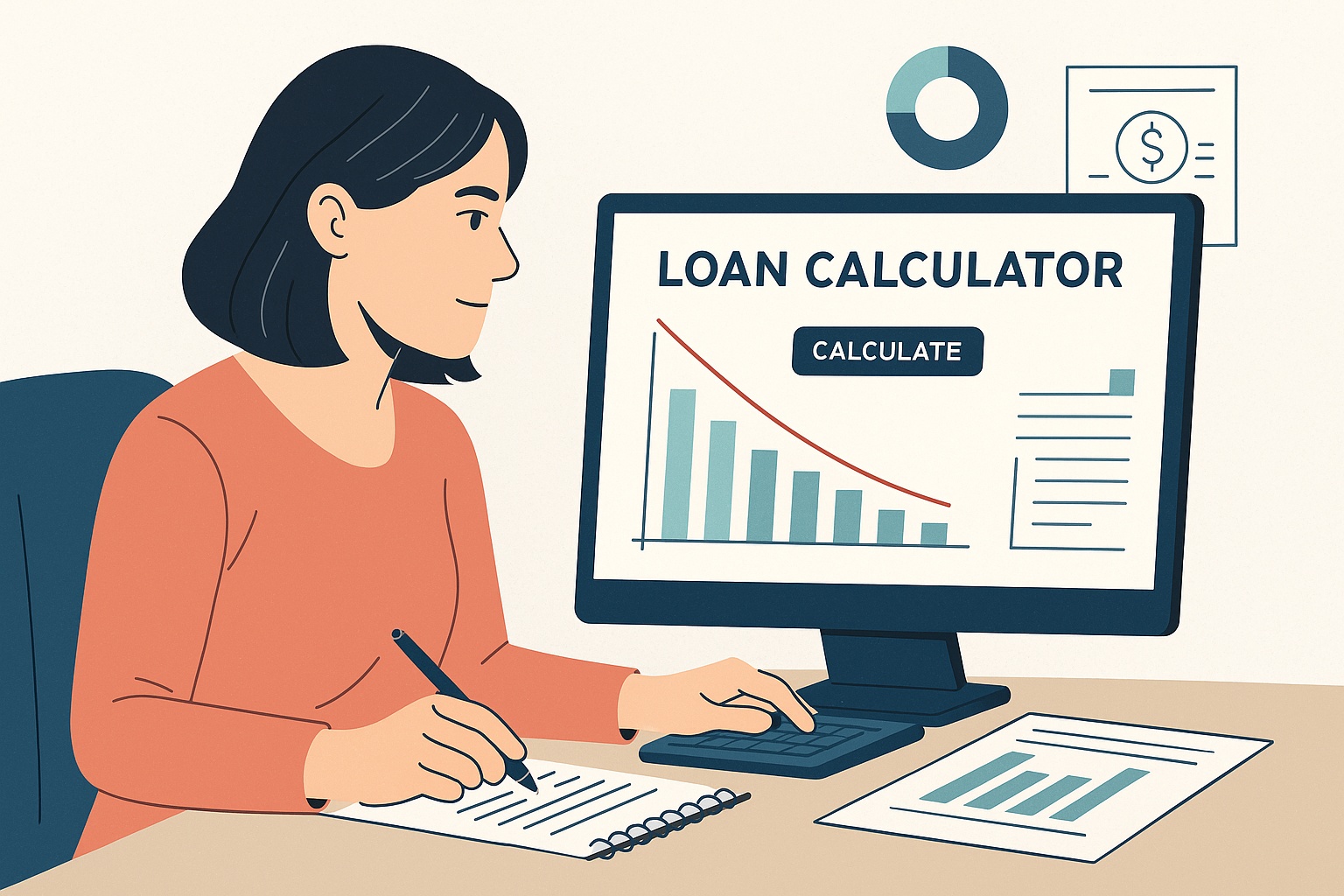
Let’s imagine you borrow $50,000 at a 7% interest rate with a five-year term. Using the SBA calculator, your results would look like this:
- Loan amount: $50,000
- Interest rate: 7%
- Repayment term: 5 years (60 months)
- Monthly payment: about $990
- Total interest paid: about $9,400
- Total repayment: about $59,400
Now change the term to three years. The monthly payment jumps to $1,540, but the total interest drops to $5,400. This comparison highlights how loan calculators guide you toward smarter choices. You can adjust the numbers until you find a balance between affordable monthly payments and long-term cost.
Many calculators also include amortization tables, which show how much of each payment goes toward interest versus principal over time. This detail helps you understand exactly how your loan balance will shrink.
Case Study: Seasonal Business
Consider a landscaping company that borrows $25,000 for new equipment. Their busy season runs from April through September. By using the Bankrate calculator, the owner sees that a five-year loan with a lower monthly payment is safer. It allows him to build up cash reserves during the summer to cover payments in slower winter months. Without the calculator, he might have chosen a shorter term that created cash flow problems.
Case Study: Tech Startup
A small software startup borrows $100,000 to expand development. Using the NerdWallet calculator, the founders compare a fixed-rate loan with a variable-rate option. They realize that even a small interest rate hike could add thousands to their repayment cost. They decide on a fixed rate, avoiding future uncertainty. The calculator helped them make a decision that balanced risk and growth.
Using Calculators to Explore Scenarios

Loan calculators let you test different strategies before you commit. Here are some examples:
- Short vs. long terms: Short terms save interest but increase monthly pressure. Long terms ease cash flow but cost more overall.
- Fixed vs. variable rates: Fixed rates give stability. Variable rates may start lower but carry more risk.
- Extra payments: Adding even $100 per month can cut months off repayment and save hundreds in interest.
- Refinancing scenarios: Enter your current loan balance and rate into a calculator. Compare it to new offers. You will see if refinancing reduces cost or extends repayment.
Integrating Results Into Your Business Plan
Calculator results belong in your business plan. Lenders want to see that your loan request is realistic. Show them repayment fits within your cash flow projections. Connect the numbers to your income statements and forecasts. For tips, see our article on how a strong business plan helps secure business loans. This integration builds credibility and increases approval chances.
Common Mistakes to Avoid
Loan calculators are useful, but many borrowers still misuse them. Avoid these errors:
- Leaving out fees such as origination or servicing charges.
- Using only best-case assumptions. Always test higher rates and slower growth.
- Forgetting to update numbers when loan details change.
- Ignoring seasonal cash flow. A loan that looks fine in summer could strain you in winter.
- Not comparing multiple calculators. Some include amortization schedules, extra payment options, or graphs. Using more than one gives you a fuller picture.
Other Tools and Resources
Beyond calculators, you can strengthen your repayment strategy with education and planning. The SBA provides free tools and courses. Investopedia offers guides on loan terms and repayment. Bankrate gives interactive charts, while NerdWallet adds lender comparisons.
Some calculators even let you test extra payment schedules, showing how faster repayment saves money. You can also review our article on small business loan requirements in 2025 for lender expectations.
Final Checklist Before You Apply
- Test multiple scenarios using at least two calculators.
- Include fees in your repayment estimate.
- Match repayment with your seasonal cash flow.
- Prepare a written repayment strategy for lenders.
- Update your plan if loan terms change.
- Check refinancing opportunities regularly. The right timing can lower costs.
Conclusion
Using a business loan calculator is one of the smartest steps you can take before borrowing. It helps you build a repayment strategy, avoid costly mistakes, and earn lender confidence. By testing different terms, rates, and payment scenarios, you gain clarity about the true cost of borrowing.
Add calculator results to your business plan, and you will be prepared not only to secure funding but also to repay it responsibly. With careful planning, your loan becomes a tool for growth rather than a burden.